STEP 1: Prepare the Sample
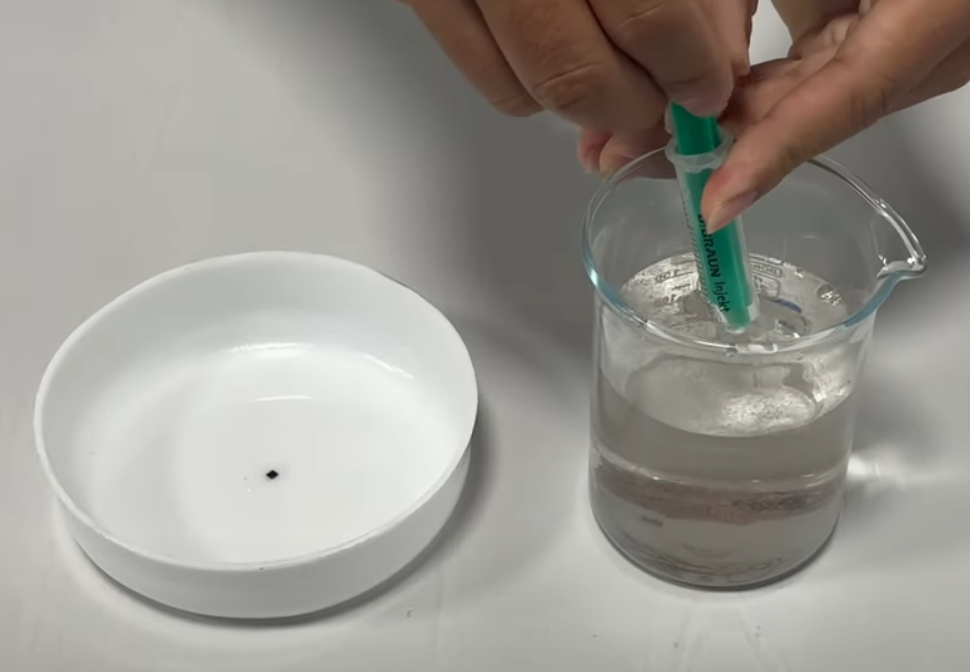
Take 20- 25 mL of Nauplii sample into the tray.
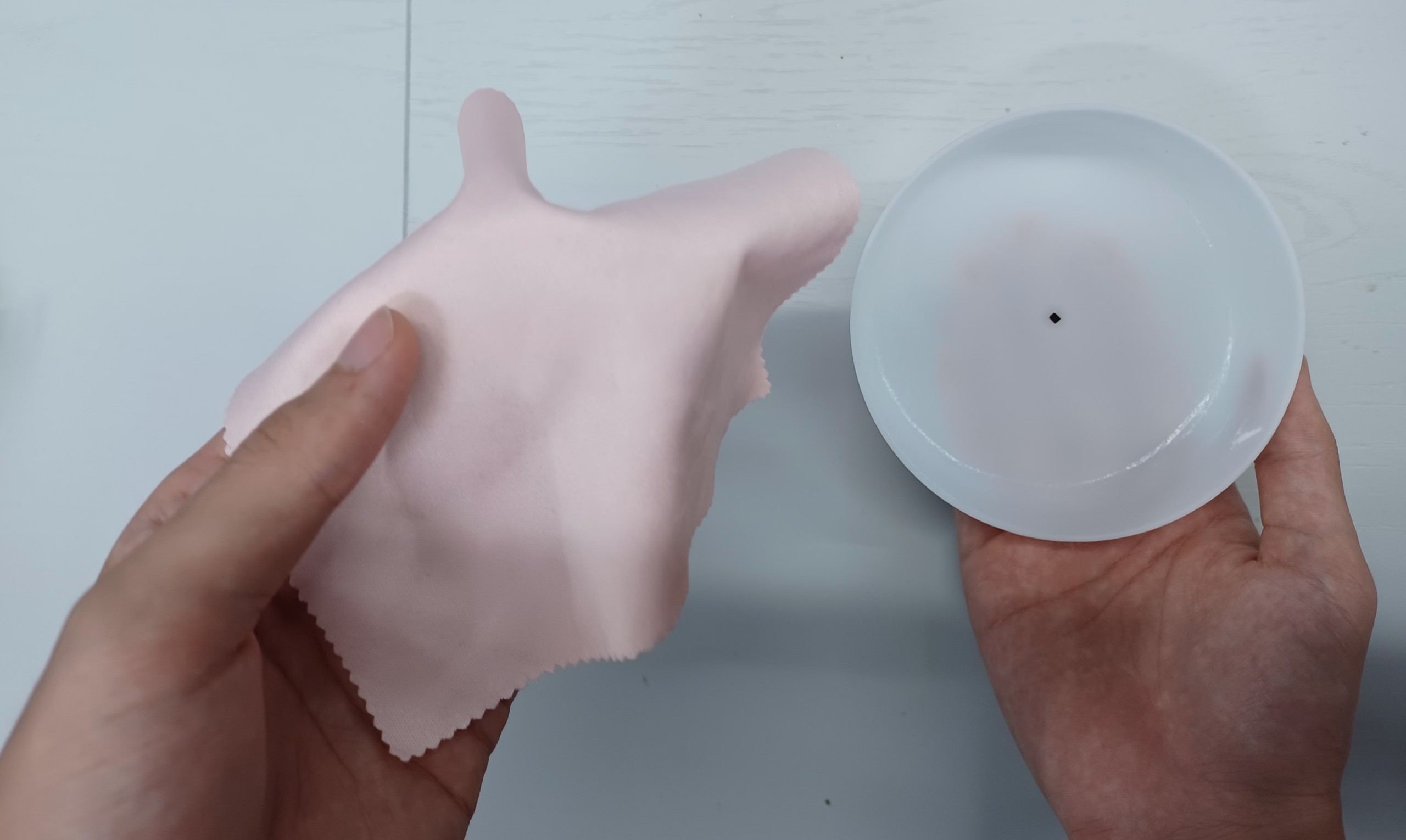
Note: Before recording, ensure to clean the bottom of the tray and the placement area in S3N to prevent any dirt, dust, or water residue.
 |
STEP 2: Prepare for Measuring with TOMOTA S3N
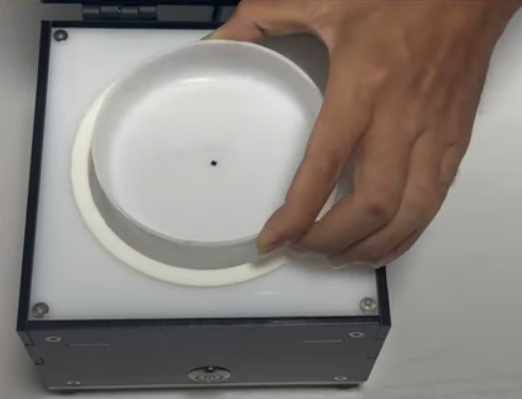
Put the tray into the TOMOTA S3N. Then turn on the LED and close the lid.
 |
STEP 3: Position the Camera Correctly
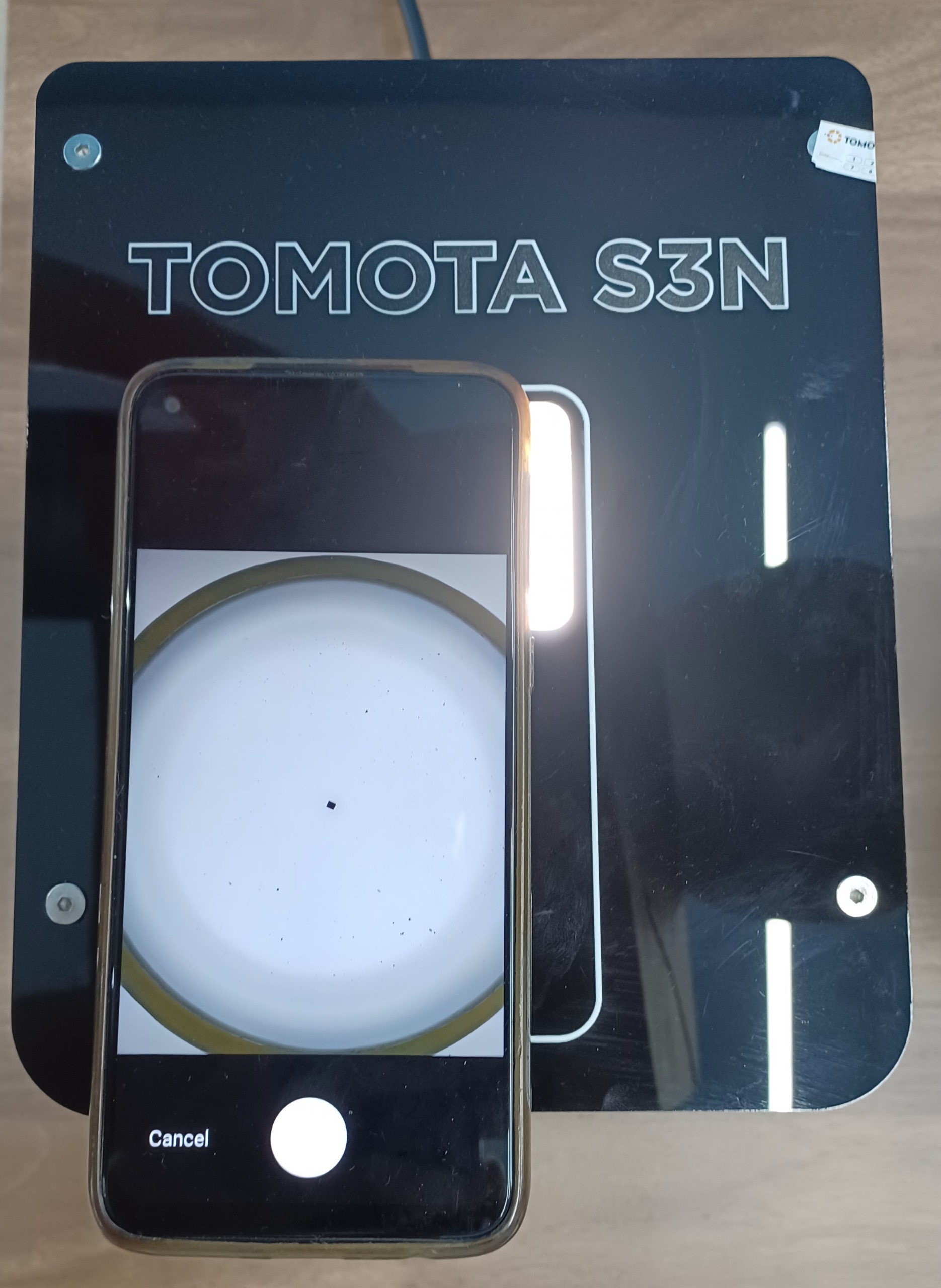
Open the TOMOTA app and use the camera feature to place the square on the lid.
Note: Tap on the black point in the center of the tray on your phone to focus the camera.
 |
STEP 4: Observe the Result
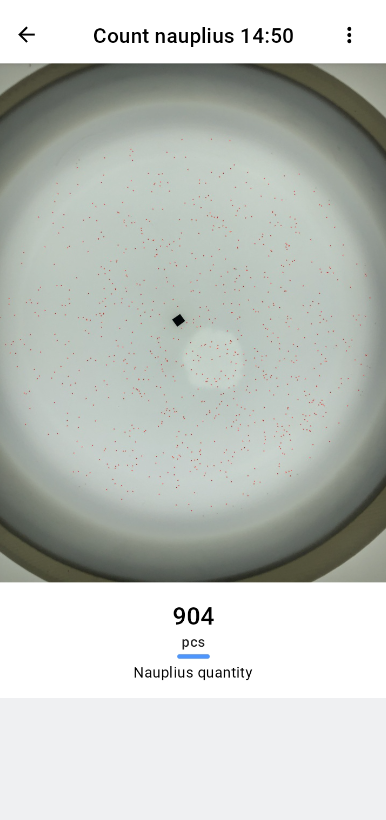
AI camera will automatically count Nauplii and display results during the measurement process.
 |
STEP 5: Clean & Preserve
Clean after use and store it in a cool and dry place.
Note: To prevent scratches, avoid using hard objects to clean the tray.
 |