TCRS document updates can only be done through the Tomota app on mobile devices.
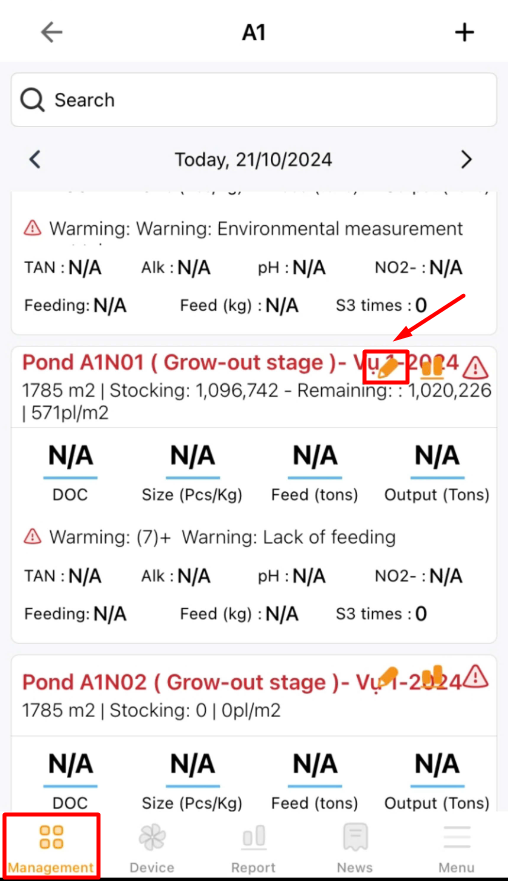
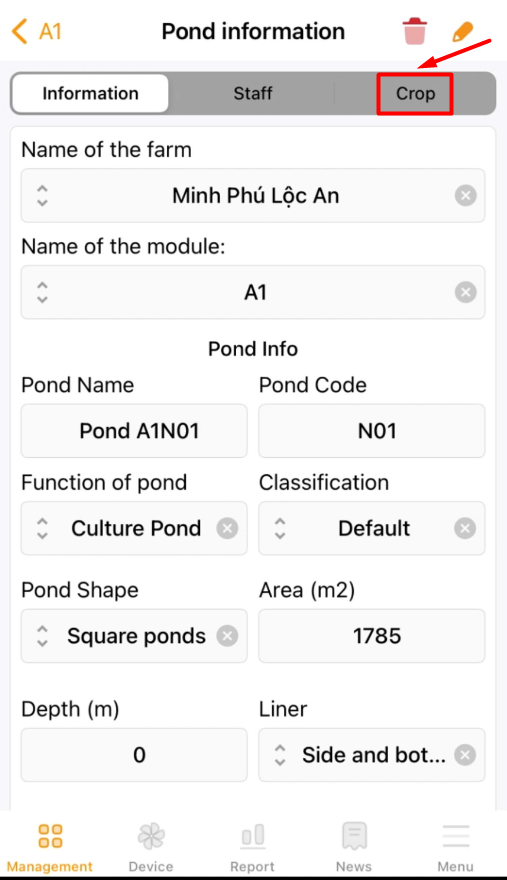
Step 1: Log in to the TOMOTA application on your mobile phone. Navigate to the “Management” section, select the farm, and then choose the “Crop” that requires data updates;
 |
 |
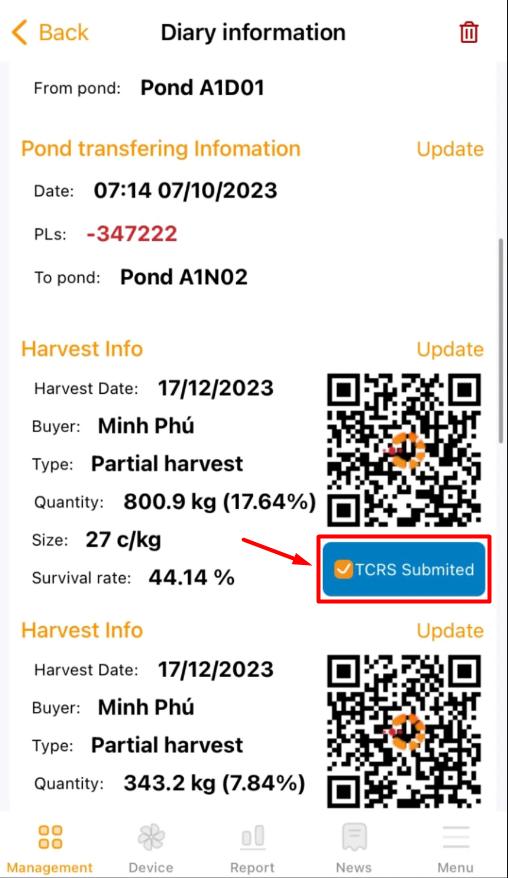
Step 2: Scroll down to the “Harvest Info” section and click on “TCRS Submitted”;
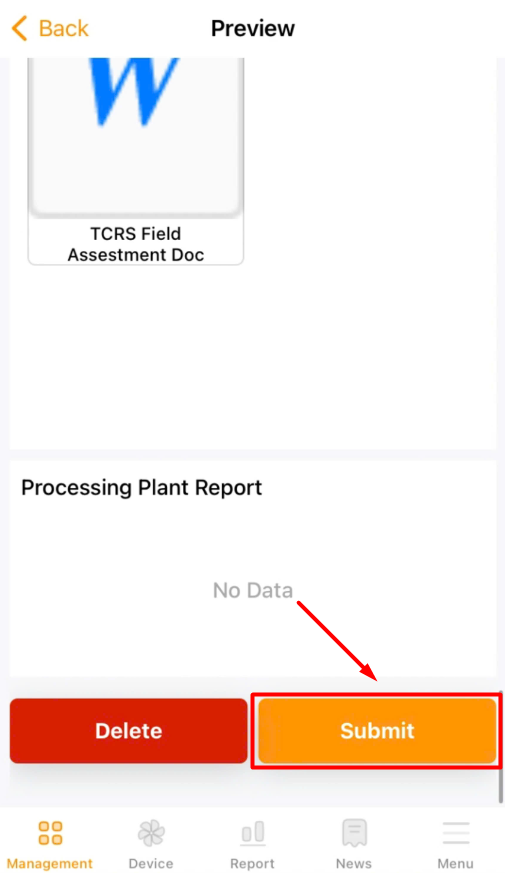
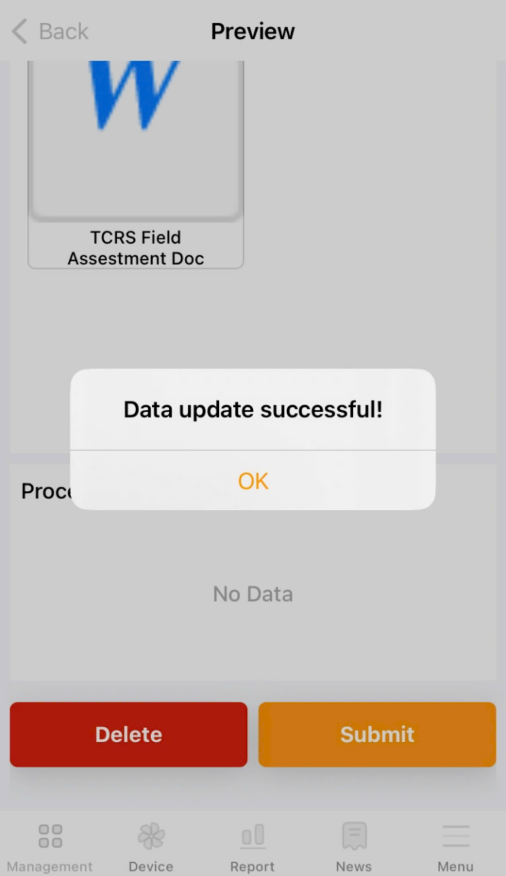
Step 3: Review the information to be submitted to TCRS, then click “Submit”. The system will notify when the documents have been successfully submitted.
 |
 |