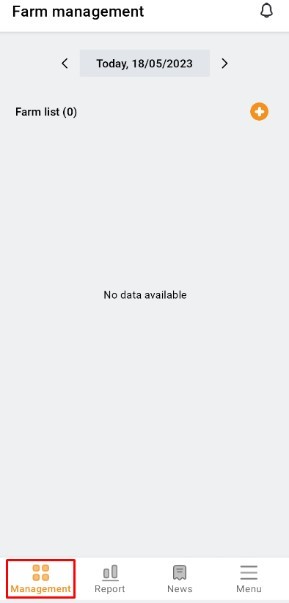
1. Go to "Management". Click the button on the right side of the screen to create a new farm. The "Management" item returns blank data if a cultural zone has not been created.
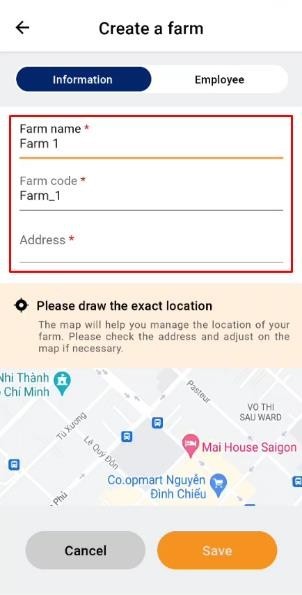
2. Enter the farm information and click on the map to adjust the exact location on the map.
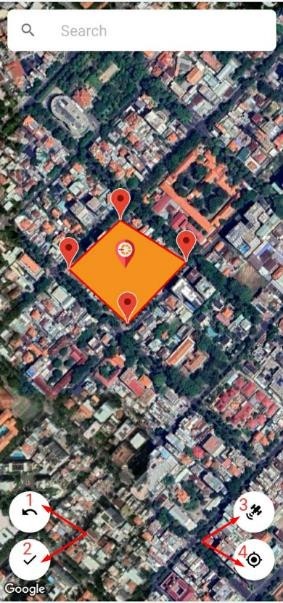
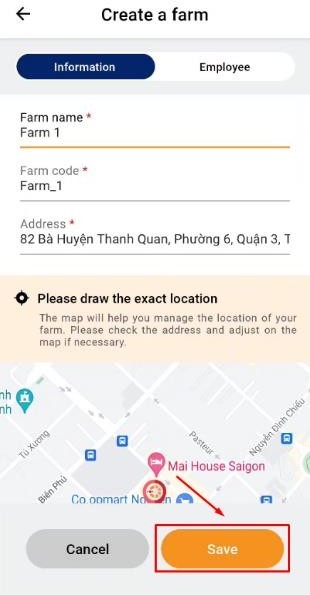
3. Draw a map by tapping on the screen, red points appear, and draw clockwise. Then press "Save"(2). If you draw in error, press “Go Back” (1). To view the satellite map, click (3). Click on the number (4) to access the direct location. Click "Save" to save the farm information.
 |
 |