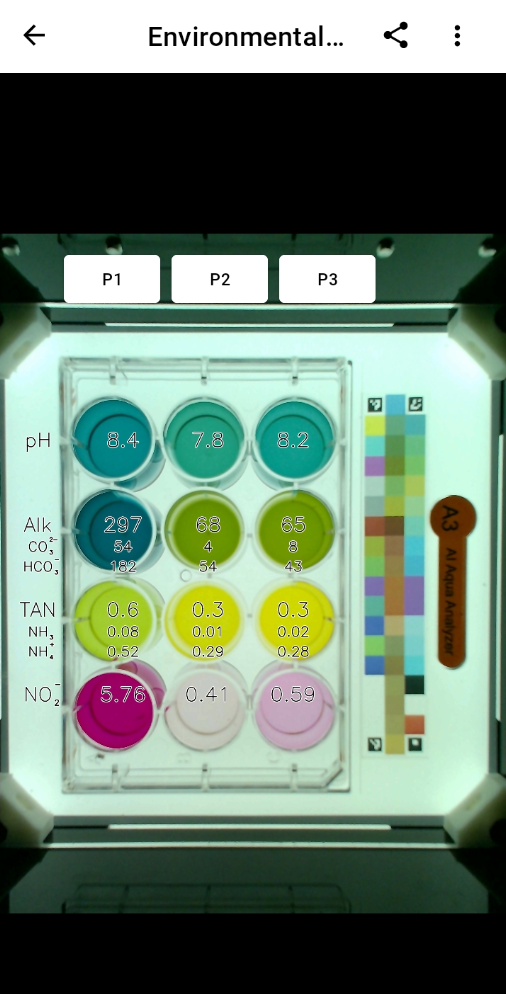
¶ INSTRUCTIONS TO MEASURE POND WATER BY TOMOTA A3
STEP 1: Prepare Materials
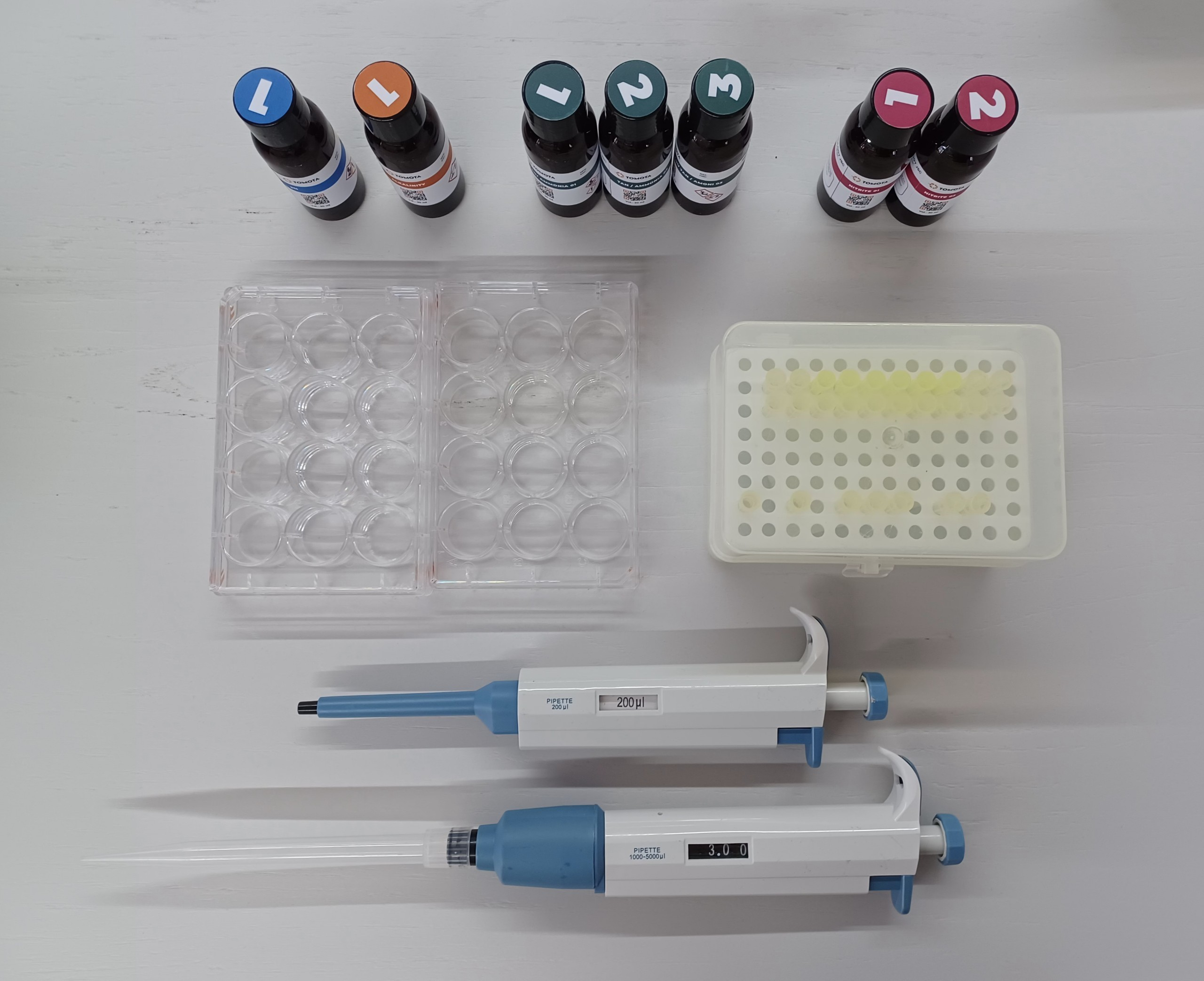
- TOMOTA A3 machine - 1;
- Indicator 4 Parameter (pH, Alkaline, TAN, Nitrite) - 7 bottles;
- 12 well plates - 2 pcs;
- Micropipette 200μL - 1 pcs;
- Pipette Tip volume 200μL - 7 pcs
- Micropipette 1000μL-5000μL - 1 pcs;
- Pipette Tip volume 1000μL-5000μL - 1 pcs;
- Pond water: filtering it thoroughly through layers of fine fabric filter bags to remove impurities and suspended solids. And make sure the water sample meets the criteria.
¶ VOLUME ADJUSTMENT – FOR THE MICROPIPETTE VOLUME (1000μL-5000μL)
Rotate the plunger clockwise/ anticlockwise to decrease/ increase the volume setting. A distinct click sound at every volume change ensures perfect volume setting and prevents any accidental volume change.
¶ HOW TO USE A MICROPIPETTE
|
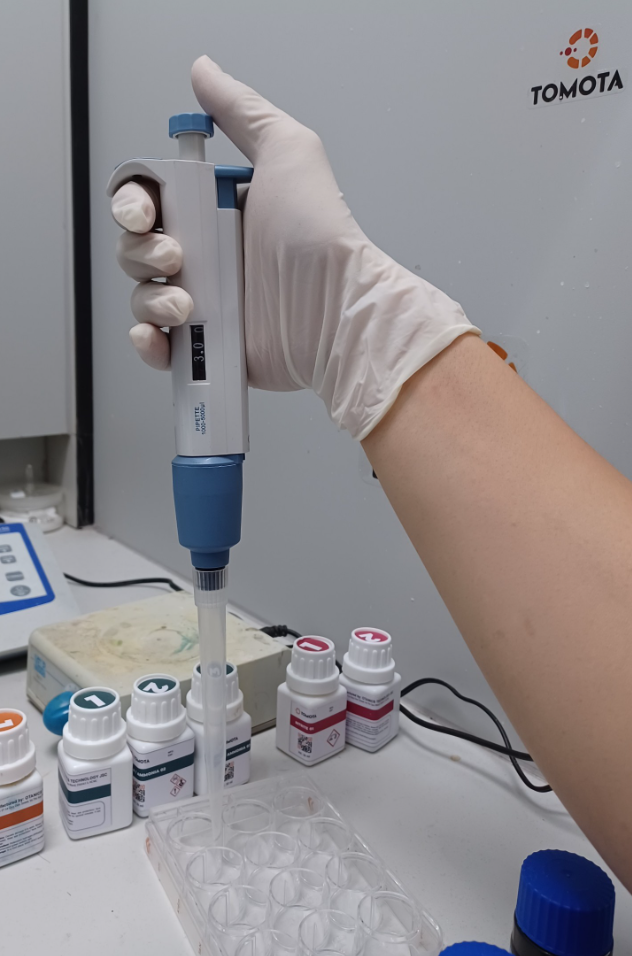
Position 1: In this, the micropipette is at rest position. Press fit a tip to the micropipette without directly touching the tip |
|
|
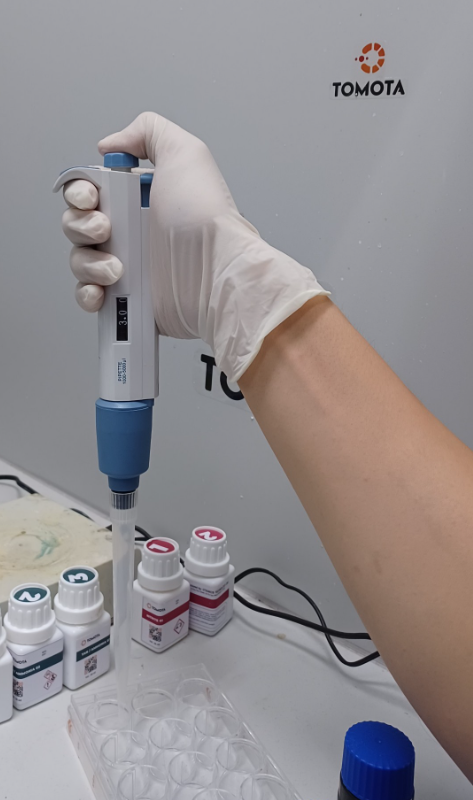
Position 2: In this, the plunger is depressed till the first stop. To aspirate the liquid in the tip, press the plunger to the first stop. Immerse the pipette tip vertically in the liquid. Release the plunger. Slowly release the plunger while the tip is immersed. The liquid will be aspirated into the pipette tip. The liquid is filled in the tip as per the preset micropipette volume. |
|
|
Position 3: Depress the plunger To dispense the liquid, place the tip on the inner wall of the receiving vessel at a steep angle. Slowly press the plunger to the first stop to dispense the liquid. To empty the tip completely, press the plunger to the second stop. Wipe the tip on the inner wall while taking the tip out of the vessel. |
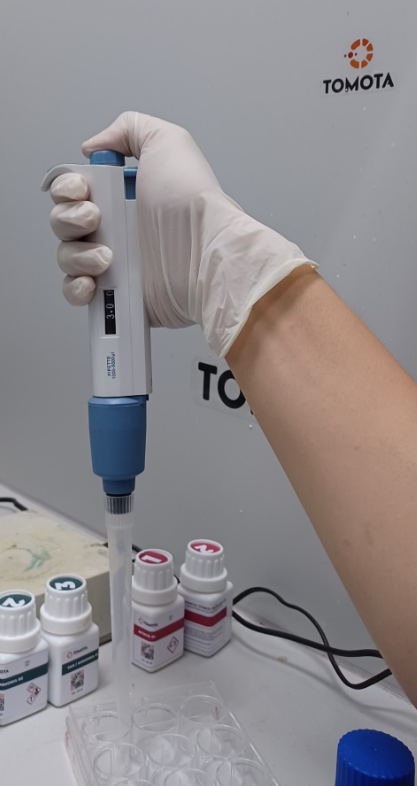
|
STEP 2: Prepare for measure pond water
- Take 300mL of pond water and put into the plate;
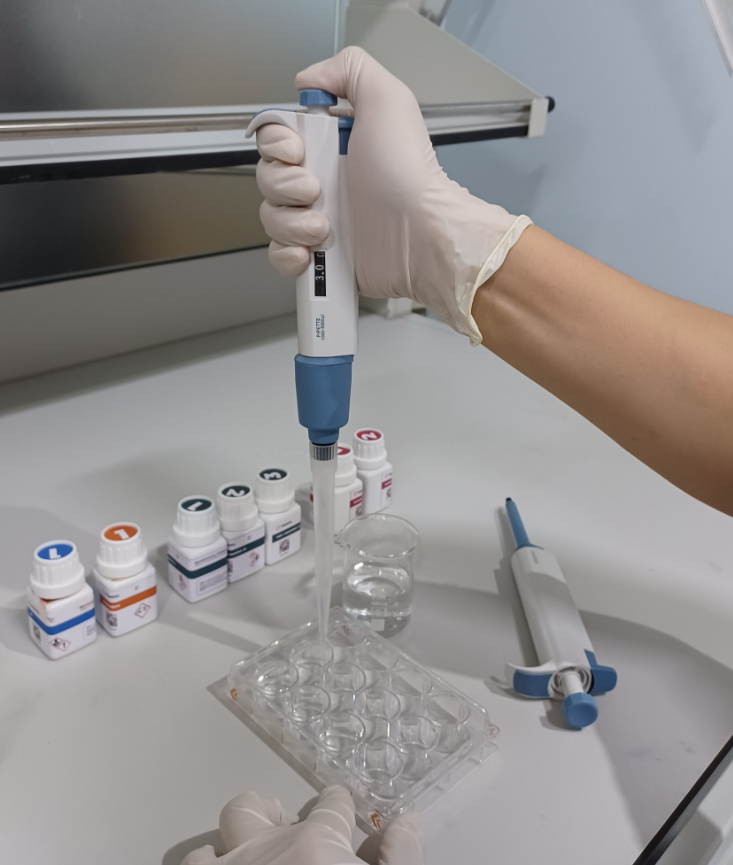
- Add to the sample 0.2mL of the indicator according to the line marked on the indicator syringe (for each indicator, add the correct amount of reagent and volume of reagent). Gently shake the reagent well into the sample;
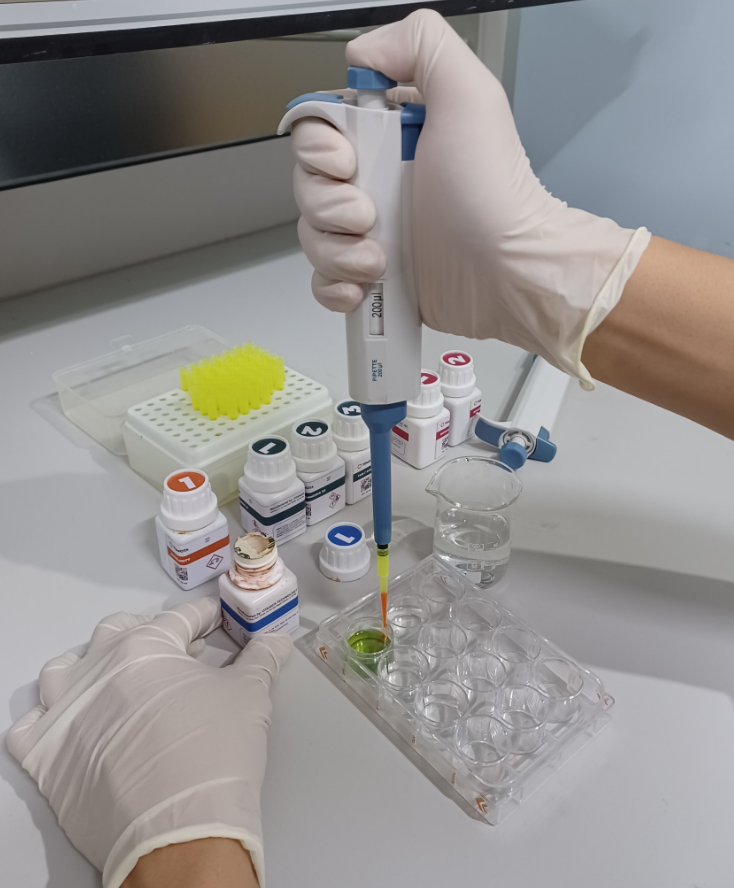
- Place the prepared plate into the TOMOTA A3. The user switches to the operation on the machine.
¶ PREPARATION OF SAMPLE PLATE
Properly shaking the plate will increase reagent mixability as well as provide good reproducibility of the results. Shake the plate as follows:
- Line the supplied towel at the bottom of the plate. Gently shake the plate as directed below;
- To avoid spillage of reagents, it is recommended to cover the plate before shaking;
- The bottom of the plate should be cleaned with a dust-free cloth or paper before placing the plate in the capture chamber;
- Insert the plate into the capture chamber as soon as the reaction time (7 min) has ended;
- Wash the plate immediately after the measurement is complete to avoid staining from the sample;
- The reaction times mentioned in this document were taken at 25℃. Normally, it is necessary to increase the reaction time when the temperature is lower than 20℃ and decrease the reaction time when the temperature is higher than 25℃.
STEP 3: Position the camera correctly
Access the TOMOTA app and connect with the phone using the USB cable.
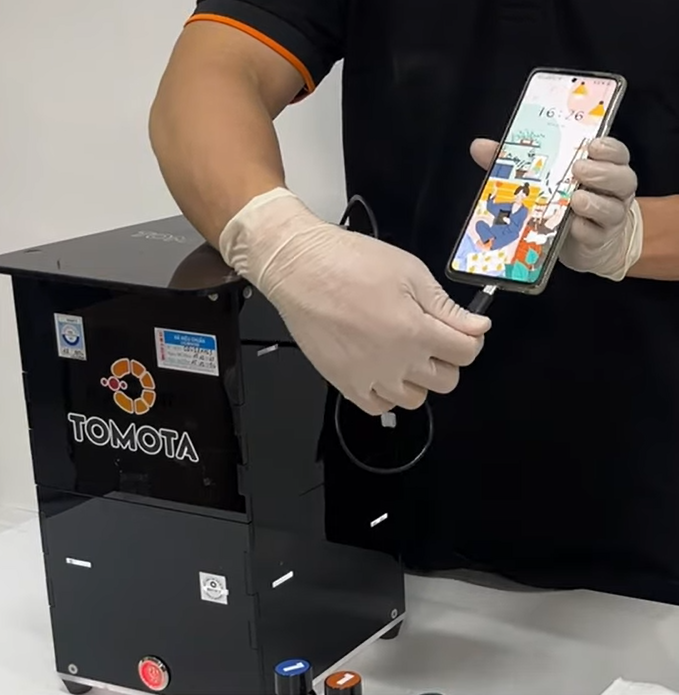
STEP 4: Observe the result